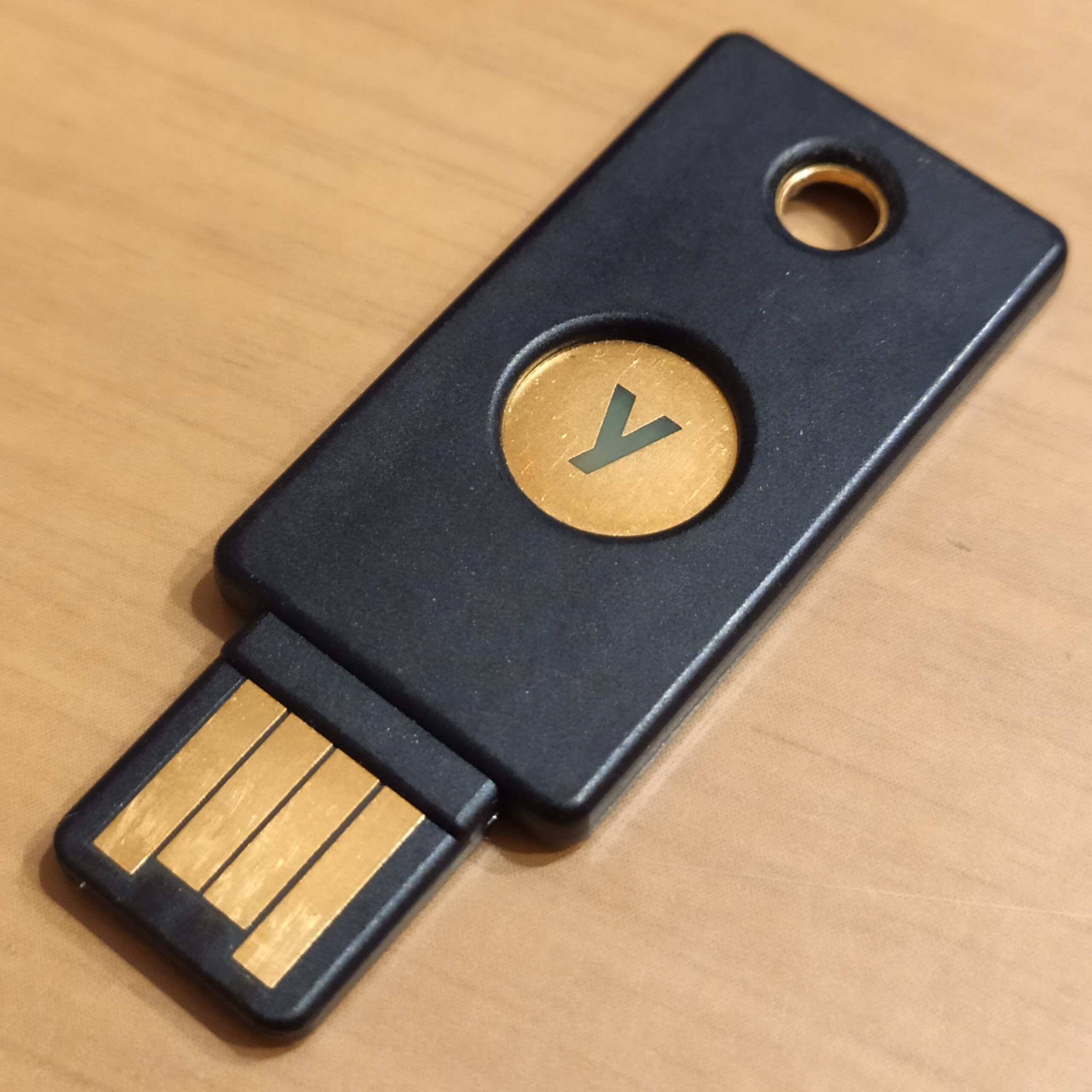
You’ve heard of PassKeys, you kinda want to know more but you’re deathly afraid of locking yourself out of your account or making a bad decision.
First of all, don’t be afraid .. I’m going to introduce you to a few concepts then we’ll go through some ways you can improve your security and not add too much in terms of process or overhead.
Our cyber-security friends use the term 2FA and MFA, which stands for 2 Factor Authentication and Multi-factor authentication. It just means adding an additional “question” that must be answered in addition to your username and password. Traditionally these second factors use a method called TOTP or “Timed One time passwords” (sometimes abbreviated as TOP) and you’d recognise these images as ‘authenticators’ …
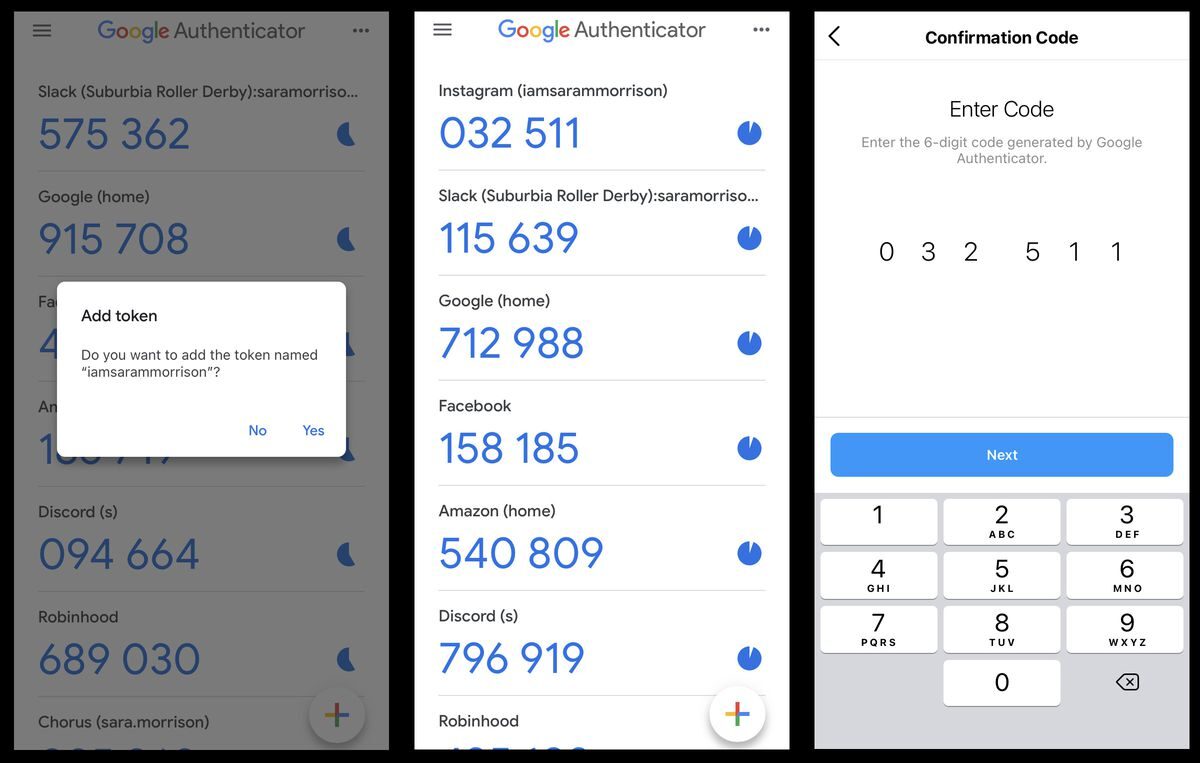
These are meant to be totally seperate questions to answer that need an extra ‘factor’ beyond you remembering your name and your shared secret (password)
Passkeys are a method of storing a special key that is unlocked by your devices security, for example a phone might use facial recognition or fingerprint, a windows laptop might use a special pin to unlock the key. Either way it’s a unique thing to you or an item you possess.
Passkeys also encompass physical keys, think of unlocking your car with your car keys except this is your google key, or your instagram key.
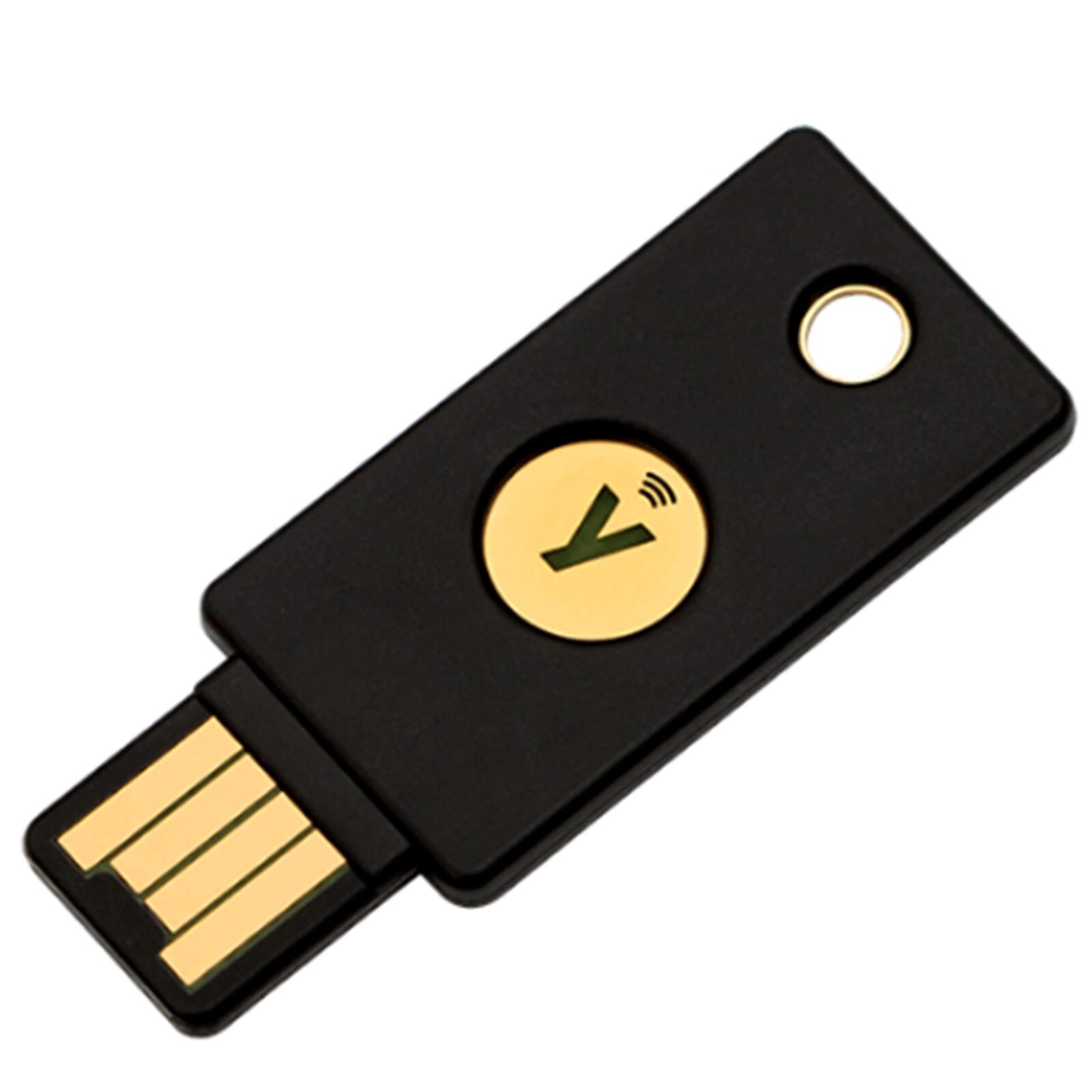
To get into my google account (or proton account) requires ..
- My email (its not an email address I use anywhere else)
- My shared secret (my password, not one I use anywhere else)
- (One of) my Physical Yubikey 5C and PIN number
- (One of) my Authenticator timed password
- (One of) A text message to my KNOWN cellphone number
Passkeys make it easy to manage the additional factor, just be careful of organic spread (are your passkeys in your iPhone? In Chrome? In your Password Manager?)
A quick note on factors, never store them together .. thats like writing your username and password on a bit of paper. Password managers sometimes try to be convenient and suggest you store them in their vault. This is merely putting all your eggs into one basket.
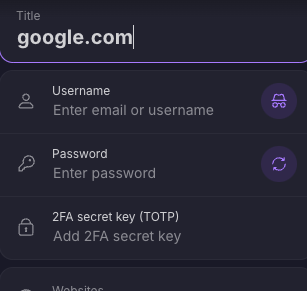
This is an example from the otherwise amazing tool Protonpass which wants you to store all three variables together (Username, Password and TOPT)
It’s important to note that I encourage you to use a password manager, keep your passwords strong, keep your passwords different, but the thing that stops people from using your password when its compromised is the fact that the additional factor uses an external system. (a phone, a key, a biometric token)